Find meaning in the files.
Opt in to document assistance for suggested titles, categories and search. Uncertain readings are flagged for attention, and your original file is preserved.
DWELLPRINT / AN OPEN HOUSE
The rooms you live in. The work you put into them. The details you hope the next family will know.
Dwellprint gives those details a place to stay, connected to the home.
DMO-ZGQC-1D7Q-DKRR
01 / A place to begin
The Dwellprint plaque is a physical connection to the home’s digital record. Scan it to find shared information, then keep building the record as life happens.
A plan in a drawer. A warranty in an inbox. A repair someone remembers. Bring what you have together, one useful detail at a time.
Find a place for your plaque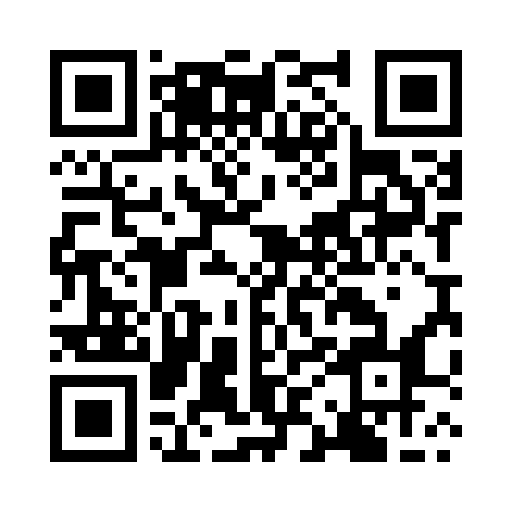
Scan this sample QR, or open the home record.
This is a demonstration identity.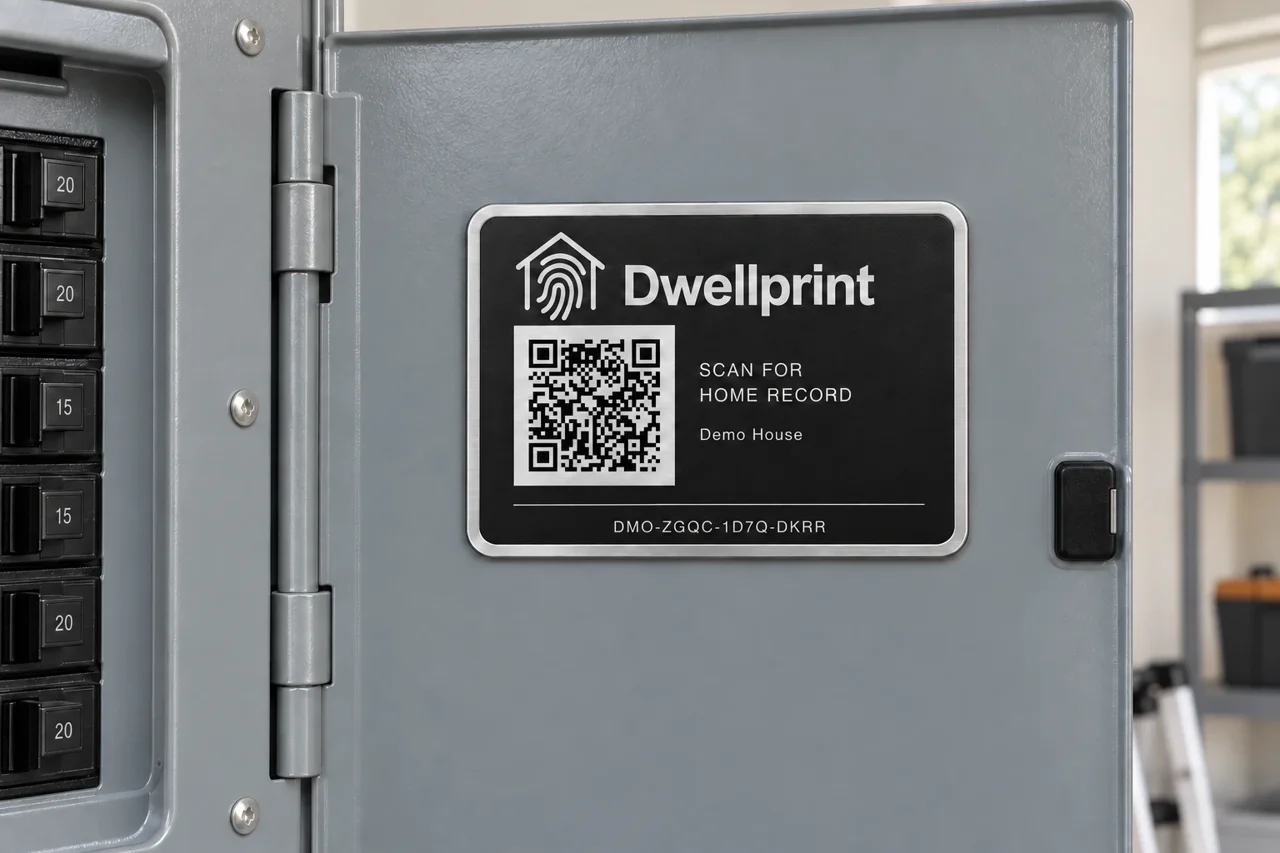
A place that suits your home.
Near the front door or beside the things that keep the home running. Choose an accessible spot that makes the plaque easy to find and easy to scan.
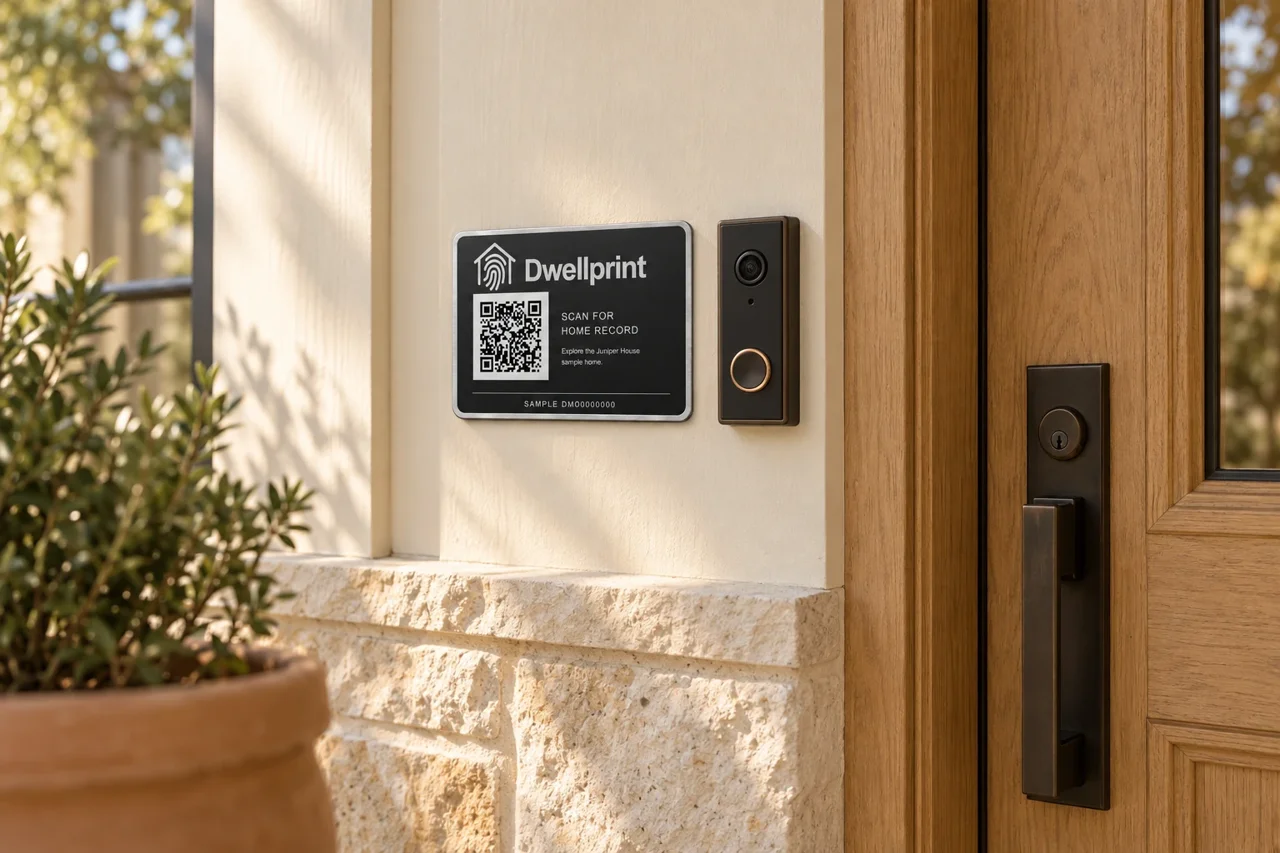
A familiar place to begin, just beside the entrance.
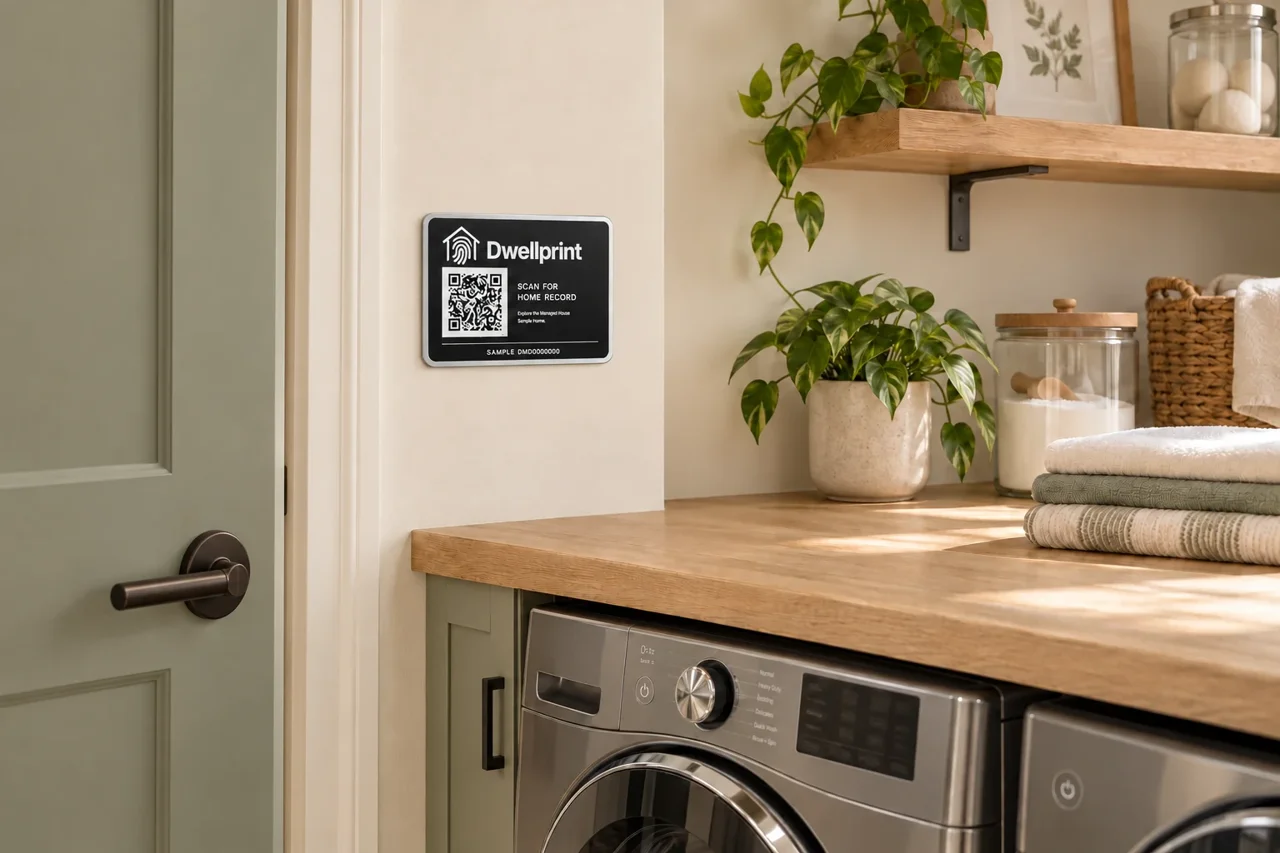
Easy to find among the everyday routines of home.
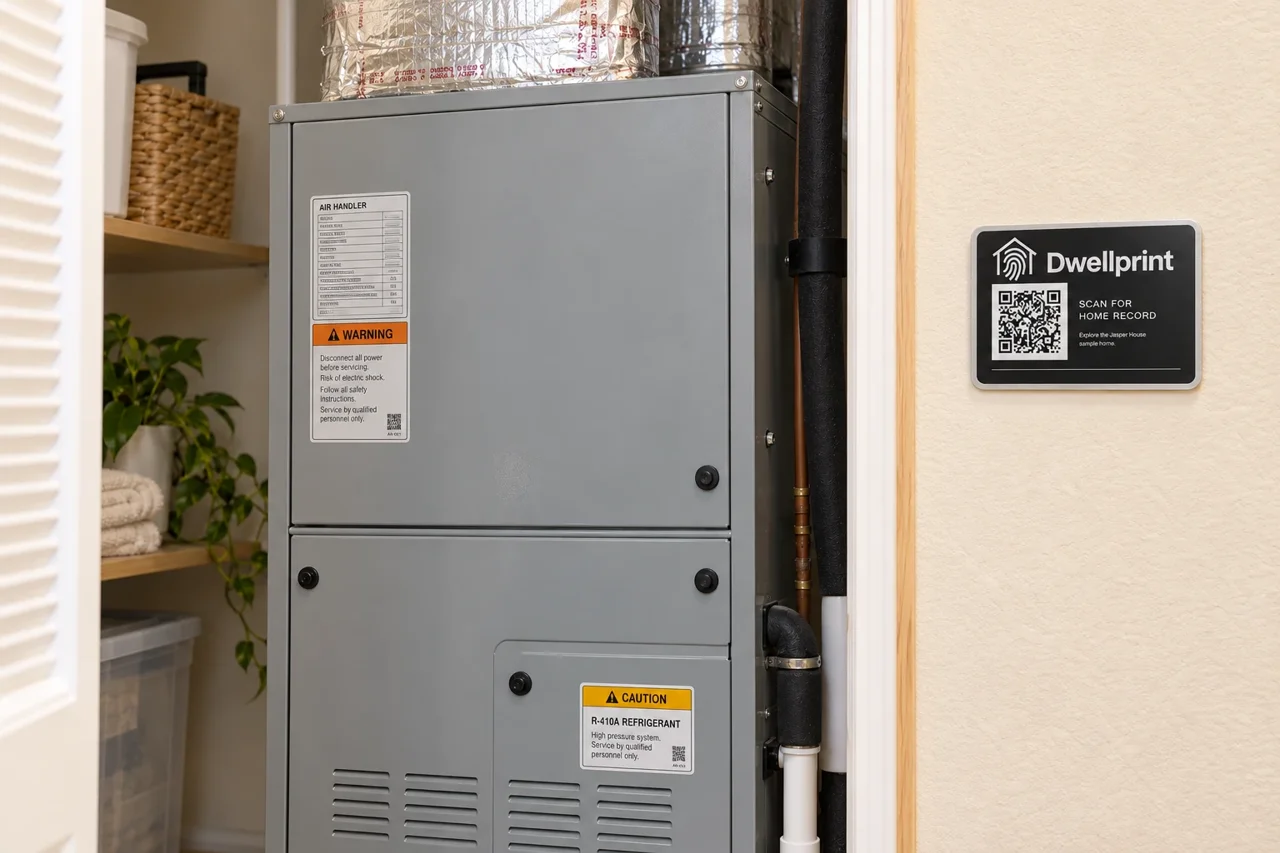
Fixed to the wall, so it stays when the equipment changes.
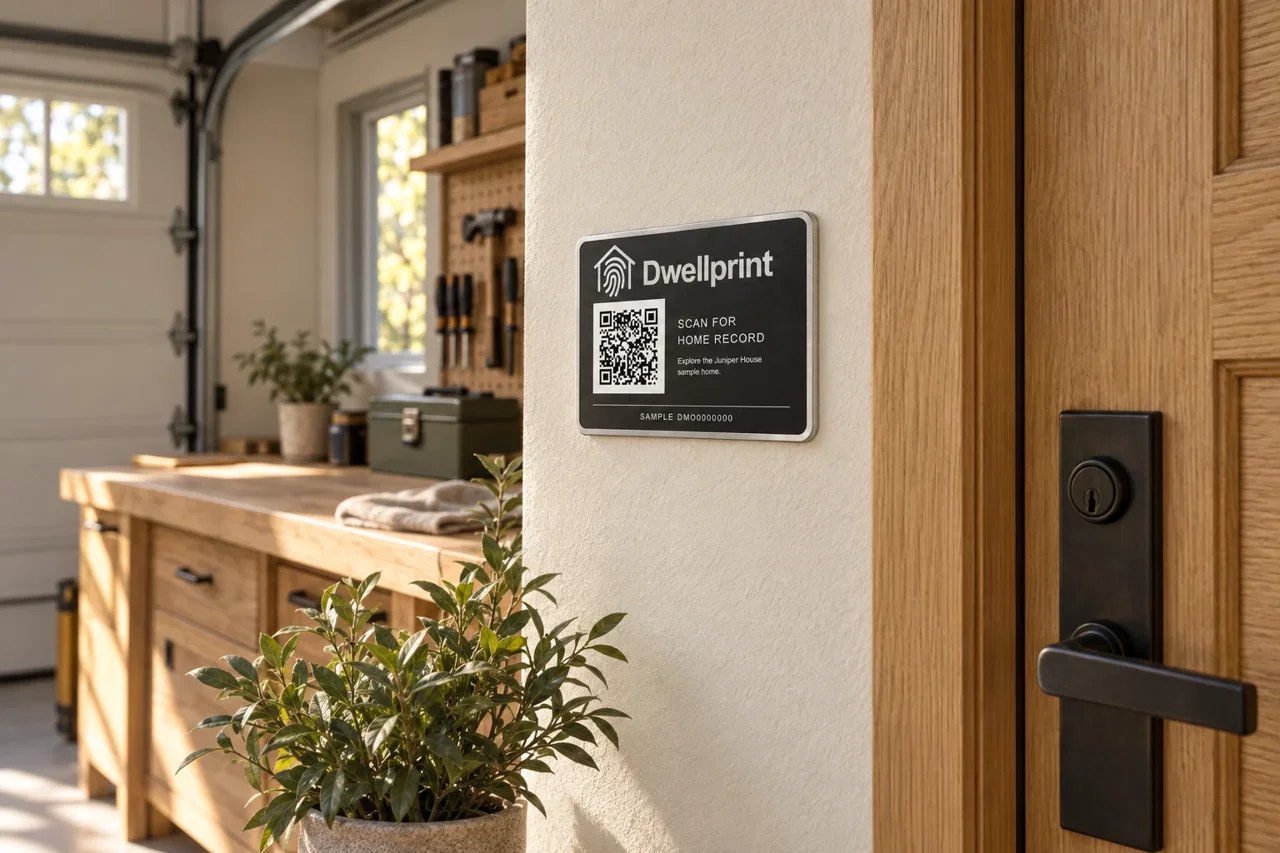
A practical place to return to when work needs doing.
Choose a permanent, accessible wall or fixed surface that stays with the home when equipment is replaced. Keep vents, labels and access clear.
ILLUSTRATIVE PLACEMENT IDEAS02 / Look a little closer
Choose a part of the record. Open a document. See how a home’s plans, equipment and care can stay connected.
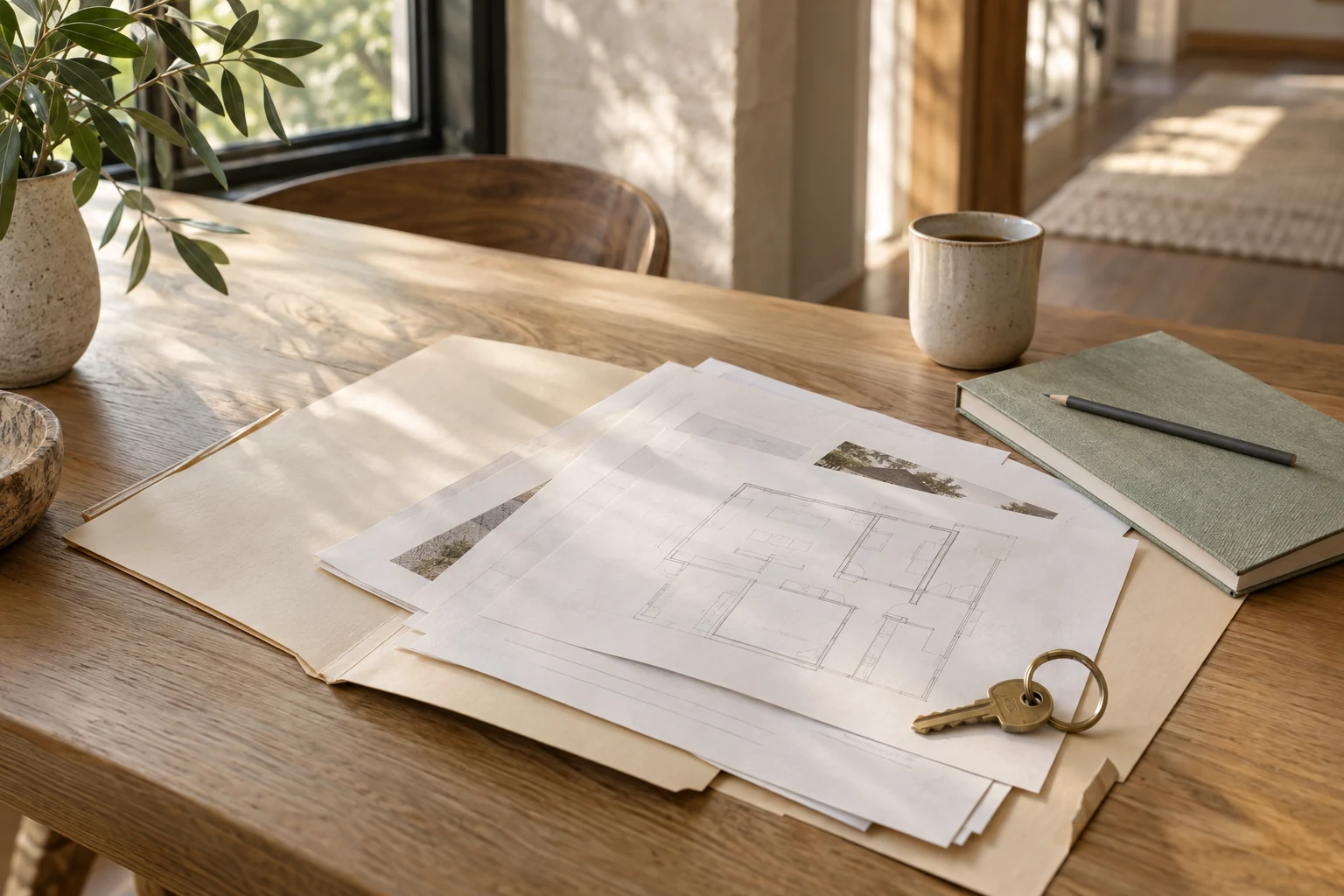
Keep the source documents beside the decisions they describe.
DEMO HOUSE
6 fictional sample records
 View PDF
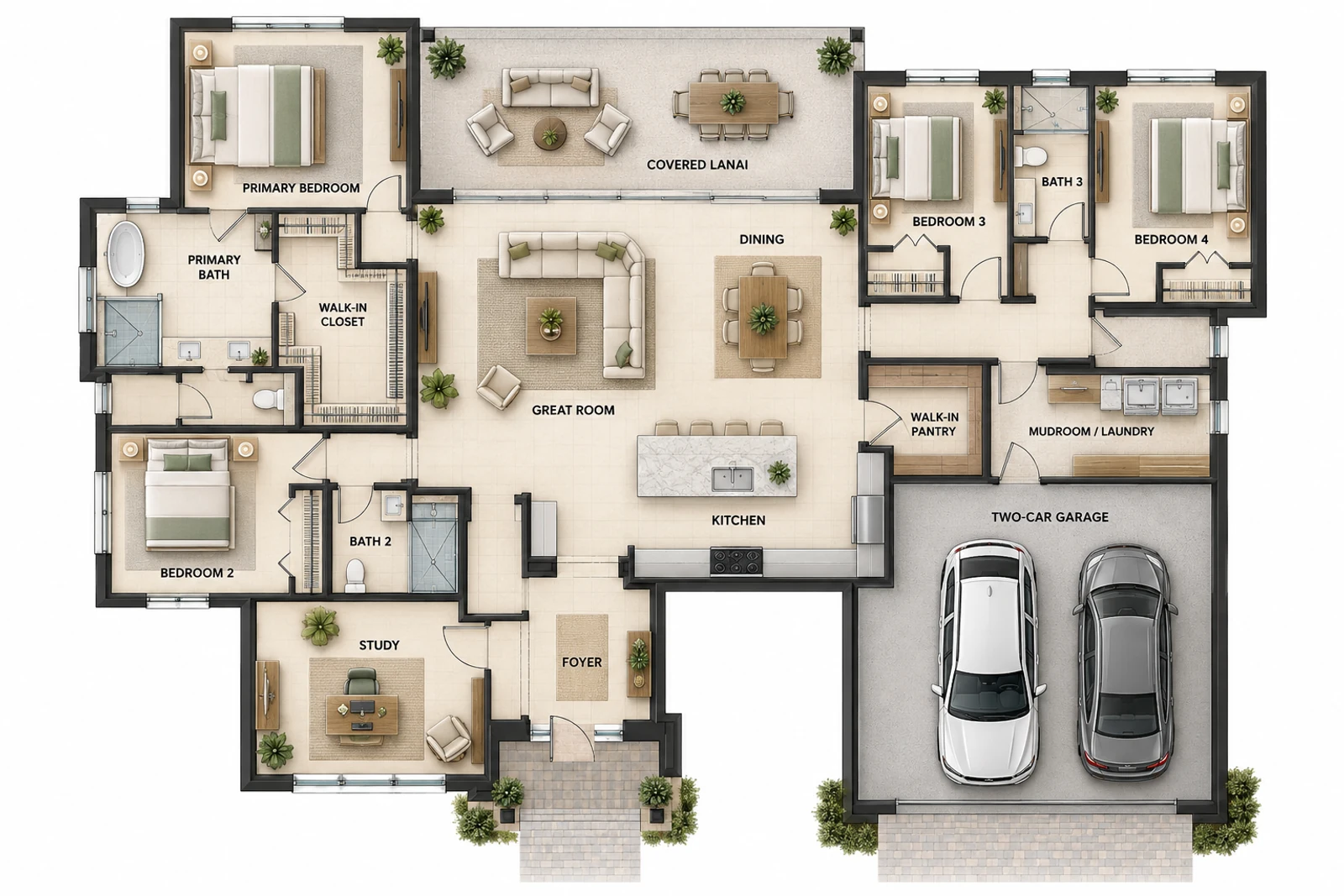
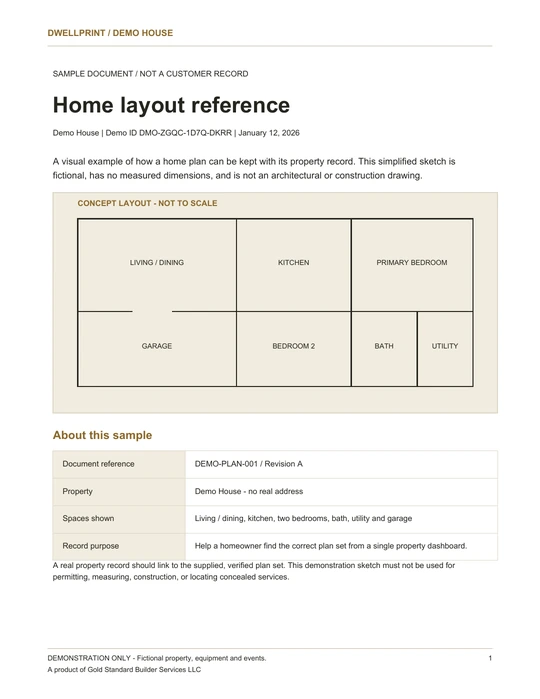
A four-bedroom, three-bath concept with a study, covered lanai and two-car garage. The fictional layout is not to scale and is not a construction drawing.
 View PDF
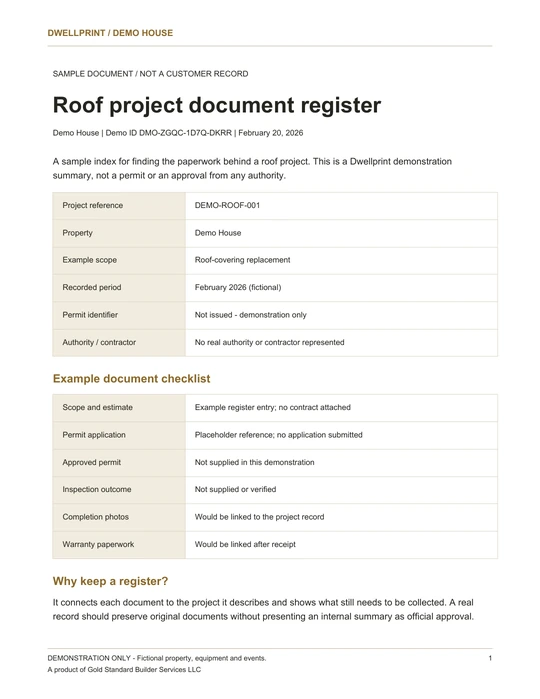
A document register for a fictional roof-covering replacement, with scope, permit, inspection, photo and warranty checklists. No permit or inspection approval is supplied in this sample.
 View PDF
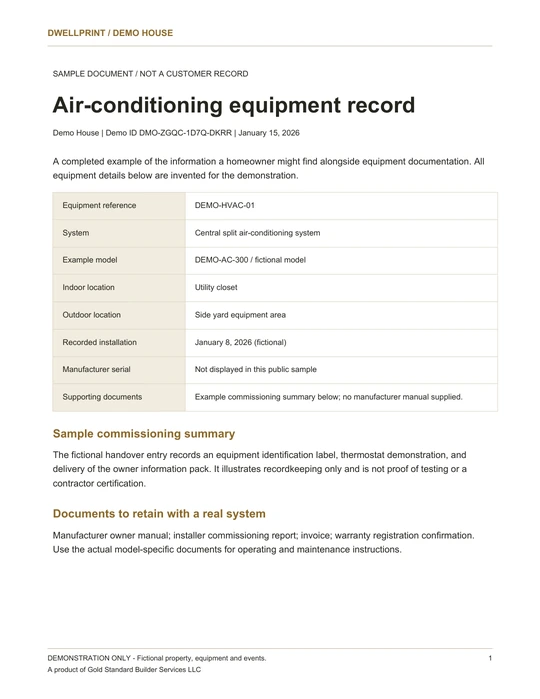
A central split air-conditioning system with fictional model DEMO-AC-300. The record holds its locations and handover notes; no manufacturer manual is supplied in this sample.
 View PDF
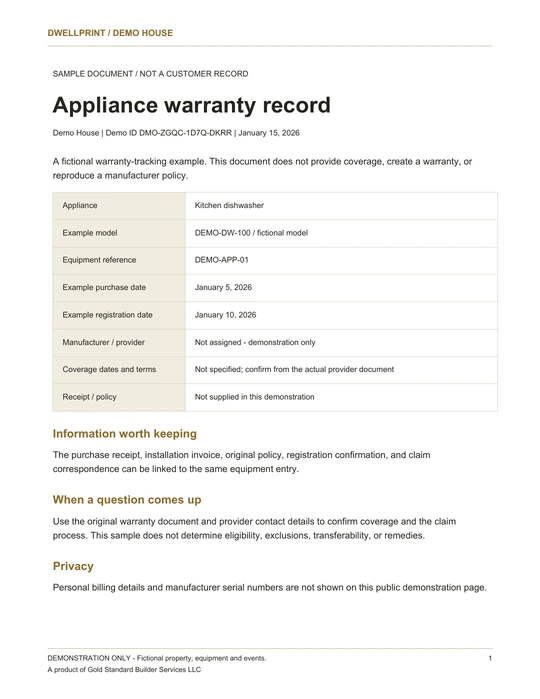
A kitchen dishwasher warranty-tracking example for fictional model DEMO-DW-100. Purchase and registration dates are recorded; no coverage dates or manufacturer policy are supplied.
 View PDF
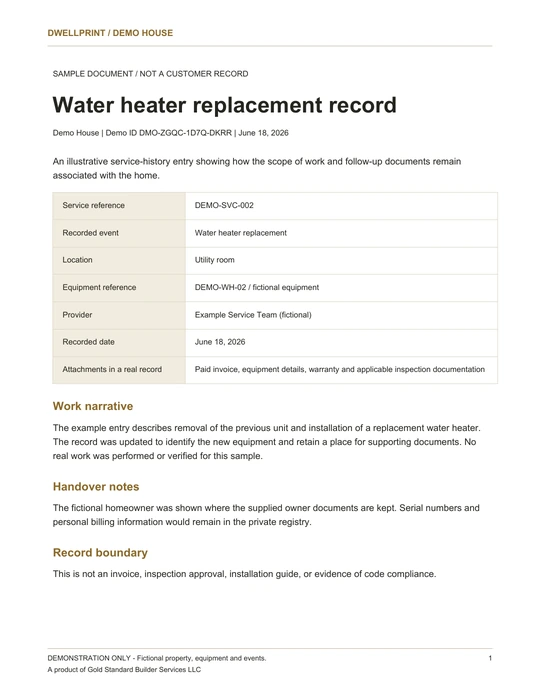
A fictional removal and replacement in the utility room, with a checklist for the invoice, warranty and inspection documents to retain.
 View PDF
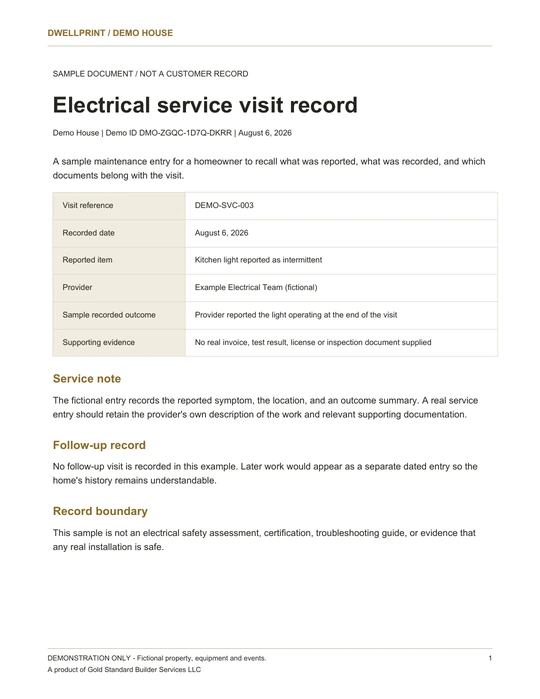
A visit for an intermittent kitchen light. The fictional provider reported the light operating at the end of the visit; no follow-up is recorded.
Try another search, or clear it to see this category’s sample records.
Keep plans, permit documents and inspection records with the project they describe. The roof sample shows a checklist of documents still to collect.
Fictional records for exploring the product. PDF links open in a new tab.
Good records, made a little easier.
Bring in what you have. Keep the original. Make the next useful detail easier to find.
Start with the home records checklist
 The original stays close.
Opt in to document assistance for suggested titles, categories and search. Uncertain readings are flagged for attention, and your original file is preserved.
Capture a document with your phone and create a cropped, straightened PDF version. Keep the source beside the easier-to-read copy.
Use invitation permissions to control access. Optional private-vault access is a separate choice, so sharing the home’s record does not mean sharing everything.
Product capabilities described here; the documents shown are fictional examples.
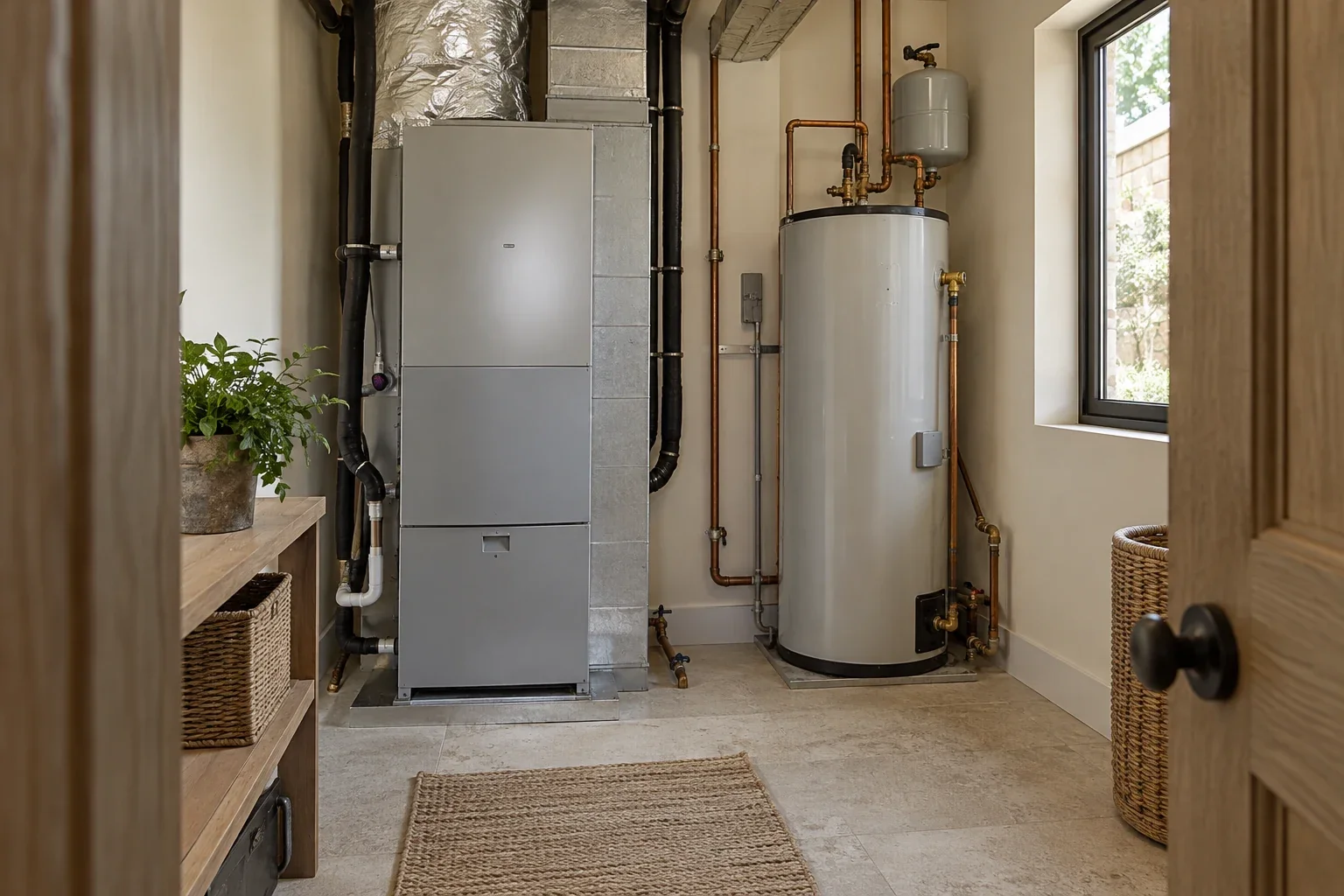
Water heater replacement
FROM THE FICTIONAL SAMPLE RECORD
03 / The care that adds up
What was done? When? Where is the supporting document? Capture the details while they are fresh, so the next service visit starts with more understanding.
A homeowner or contractor records the repair and supporting details.
The owner or team reviews the submission before publication.
Approved updates become part of the shared record. Private files stay separate.
Demo updates stay in your browser tab. They are not sent to Dwellprint.
A little clarity about access
The plaque connects people to the home. It does not open every document. Keep sensitive details in the private workspace and choose what belongs in the public record.
A visitor can see the information selected for publication. Scanning the QR does not reveal the owner’s private documents or personal information.
Illustrative access views. No private customer information is displayed.
04 / A home with chapters still to come
The plaque stays with the property. A reviewed handover helps the next family begin with the available history, while account access and private files are handled separately.
ONE PURPOSE. THREE WAYS TO KEEP THE KNOWLEDGE.
Plans, equipment, warranties and the history of repairs, connected to one home.
Explore ResidentialProperties, buildings, suites and their working records, with the context that belongs to each.
Explore CommercialEquipment, service history, service companies and contracts, together for the people managing them.
Explore BusinessEach product has its own subscription.
There’s more inside the Demo House.